


3dConnexion SpaceMouse Compact with FREE Autodesk Fusion
Eligibility: Students & Faculty
The SpaceMouse Compact was developed to deliver an intuitive, effortless and precise 3D navigation in CAD applications that cannot be experienced by using a standard mouse and keyboard. It is the ideal tool for modern engineers, architects and designers to review 3D designs and explore 3D spaces.
3Dconnexion’s patented 6-Degrees-of-Freedom (6DoF) sensor is specifically designed to manipulate digital content or camera positions in the industry-leading CAD applications. Simply push, pull, twist or tilt the 3Dconnexion controller cap to intuitively pan, zoom and rotate your 3D drawing. Your other hand is now free to simultaneously use your standard mouse to select, create or edit your model.
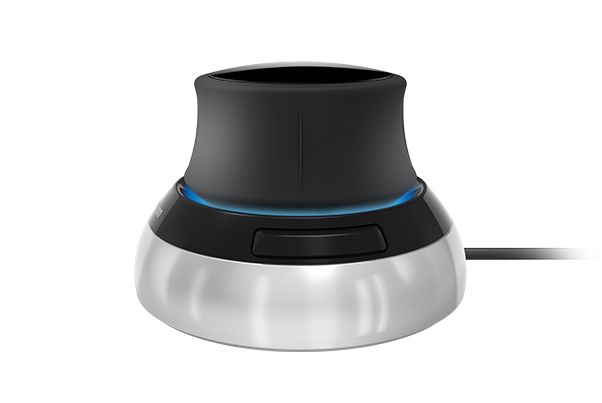
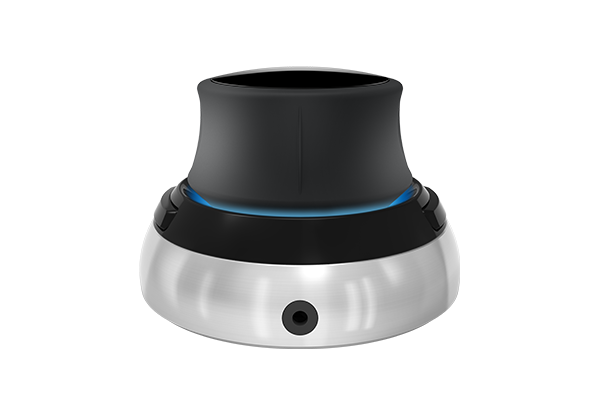
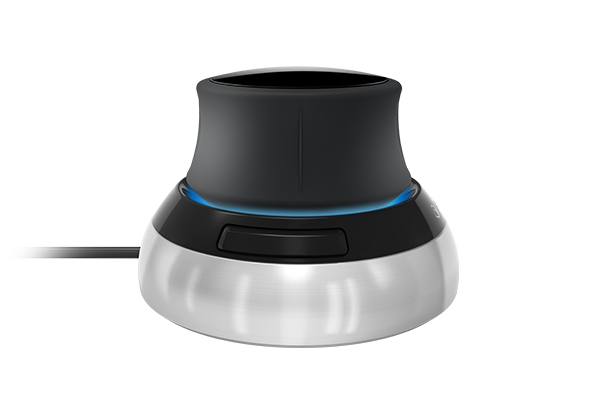
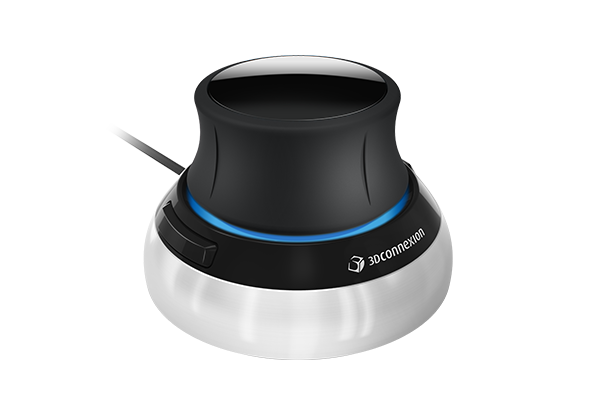
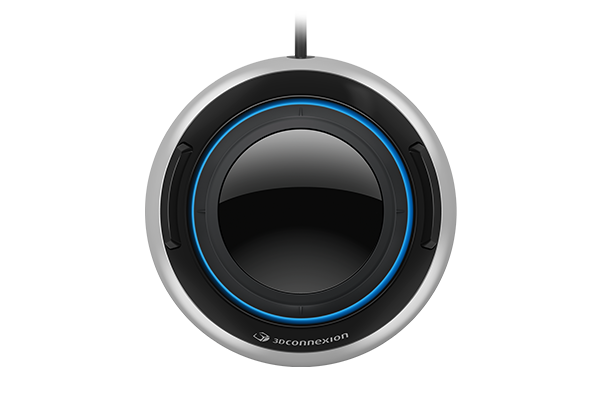
Features include:
Compact Footprint
Easy to Use
Each of the SpaceMouse Compact’s two buttons opens its own 3Dconnexion radial menu. They provide direct access to up to 8 of your favourite application commands. With the software 3DxWare 10 you easily create your own radial menus in seconds or choose from useful presettings.
* - Only with 3DxWare 10. Driver update may be required.
Single Driver. Multiple Devices.
3DxWare 10 is the single driver foundation for all your 3Dconnexion devices. Its simple, yet powerful interface makes it easy to individualize all your 3Dconnexion products for peak performance.
Specifications:
Dimensions & Weight
- Length: 77 mm / 3"
- Width: 77 mm / 3"
- Height: 54 mm / 2.1"
- Weight: 480 g / 1.06 lb / 16.93 oz
Supported Operating Systems
- Microsoft® Windows, macOS
Autodesk Fusion
Don't let your 3D modeling tools limit your creativity and ability to quickly create multiple design iterations. Fusion 360 enables you to design effortlessly with flexible 3D CAD software.


